+44 753 718 3990
  hello@devmontdigital.io
To new businesses, give you the expertise, approaches, and techniques you should know to be a super hero.
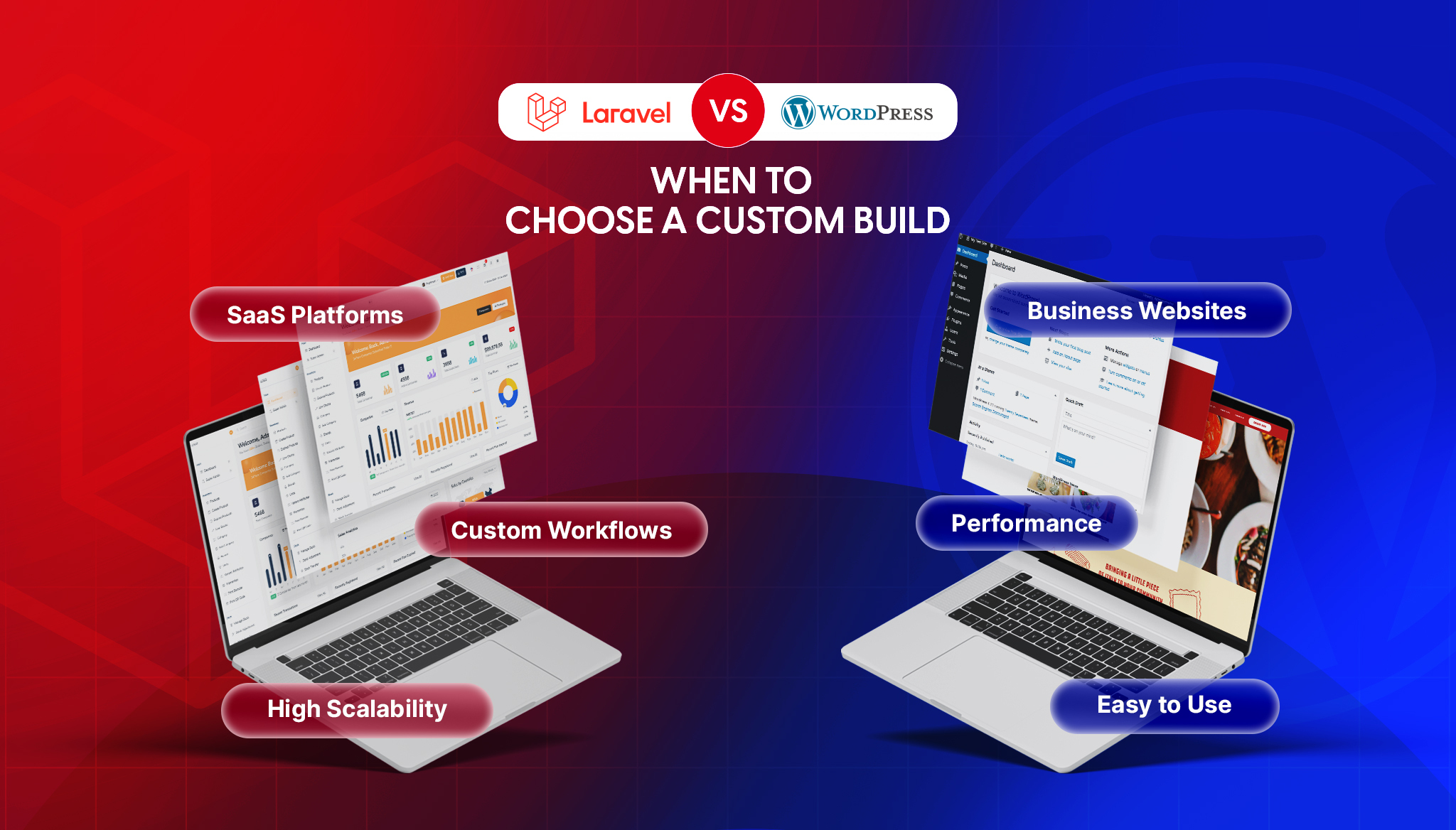
If you’re comparing Laravel and WordPress, you’ve probably already been given a useless answer: “it depends.” It does depend, but on things specific enough to actually decide with. The two aren’t really competitors. WordPress is a content management system, and Laravel is a framework for building applications. Asking which is “better” is like asking whether a delivery van is better than a sports car. The right answer is entirely about what you’re hauling.
So this piece skips the tribal debate and gives you the decision. Where WordPress is the smart, cheap, fast choice, we’ll say so plainly. Where it quietly becomes a liability and a custom Laravel development build pays for itself, we’ll say that too.
Here’s the rule that covers most cases: if your project is fundamentally about publishing and managing content, use WordPress. If it’s fundamentally about business logic and custom workflows, use Laravel.
A marketing site, a blog, a company brochure, a fairly standard online store: WordPress, almost every time. A booking platform, a customer portal, a SaaS product, an internal tool with real rules and permissions: Laravel, almost every time. The trouble starts when a project that’s secretly the second kind gets built as the first, because it started small and WordPress was faster to launch.
It would be dishonest to skip this, because WordPress powers a huge share of the web for good reasons. For content-driven sites it’s hard to beat, and forcing a custom build where WordPress would do is how budgets get wasted.
WordPress wins on speed to launch: a capable site can be live in days, not months. It wins on cost up front, because themes and plugins do work you’d otherwise pay a developer to write. It wins on the editing experience, where years of refinement mean a non-technical marketing team can publish, edit, and reorganize pages without touching a developer. And it wins on ecosystem: whatever common feature you need, a plugin probably exists. For most brochure sites, blogs, and straightforward stores, that combination is exactly right, and our own WordPress development work exists precisely because so many businesses are well served by it.
Laravel starts to win the moment your project stops being “a website with content” and becomes “an application that does things.”
Custom business logic is the clearest signal. When the rules of your product are specific to your business, such as how pricing is calculated, how approvals flow, how users of different types see different things, you want to write those rules directly, not bend a CMS around them. Laravel is built for exactly this: complex data relationships, custom APIs that feed mobile apps or partner integrations, dashboards with real permission systems, and workflows that don’t map onto “posts” and “pages.” You also get control. There’s no plugin author to depend on, no theme constraining your layout, and no update that silently breaks a workaround. You own the code, which means you own the roadmap.
| Factor | WordPress | Laravel |
|---|---|---|
| Best suited to | Content sites, blogs, marketing, standard stores | Custom apps, dashboards, complex logic, APIs |
| Time to first launch | Days to weeks | Weeks to months |
| Cost up front | Low; themes and plugins do the work | Higher; built to order |
| Cost as it grows | Rises with plugin sprawl and workarounds | Predictable; you own the code |
| Custom logic | Fights the CMS past a point | Native; it’s the whole point |
| Security surface | Large; every plugin is a door | Smaller; you control what’s included |
| Performance at scale | Good with caching, strained by heavy plugins | Scales deliberately with queues and caching |
| Non-technical editing | Excellent, mature out of the box | You build the admin yourself |
| Who can maintain it | A very large pool of developers | Laravel and PHP developers |
| Handover | Easy to find help | Depends on clean code and documentation |
Read the table as a whole and the pattern is clear. WordPress front-loads the savings and the convenience. Laravel front-loads the effort and gives you control and predictability later. Which trade-off is right depends entirely on where your project is heading, not where it starts.
Most businesses don’t choose Laravel from a blank page. They arrive at it after WordPress starts to strain. These are the symptoms we see most:
When several of these are true at once, the question shifts from “which plugin fixes this” to “should this be a custom application.” At that stage the move is a staged migration, done carefully so you migrate off WordPress without losing your search rankings in the process.
The most sophisticated answer is often “both, in their lane.” WordPress is genuinely excellent at content, so a common pattern is to keep it for the blog and marketing pages while a Laravel application handles the product itself. Another is a headless setup, where WordPress manages content behind the scenes and serves it through an API to a separate front end.
That decoupled approach brings its own considerations. Pairing a Laravel API with a modern JavaScript front end means taking on front-end concerns too, from careful state handling to memory leaks in long-running interfaces. It’s more moving parts, but for the right product it delivers the best of both: effortless content editing and a genuinely custom application, each built with the tool that’s actually good at the job.
Whichever way you lean, the decision that bites a year later isn’t the framework. It’s whether you can maintain and grow what you built. A few questions worth answering honestly before you commit:
Weighing a custom build, or not sure whether you’ve outgrown your CMS yet? Our Laravel and LAMP development team will give you a straight answer, including “stay on WordPress” when that’s the honest call. Tell us what you’re building and we’ll tell you what it actually needs.

Content Manager at Devmont Digital
You publish on Medium, but your own website shows none of it. A visitor who lands on your homepage has no idea you write at all, and the stories you spent hours on sit on someone else’s domain. Linking to them by hand works for a week. Then you publish again and the page is out of date.
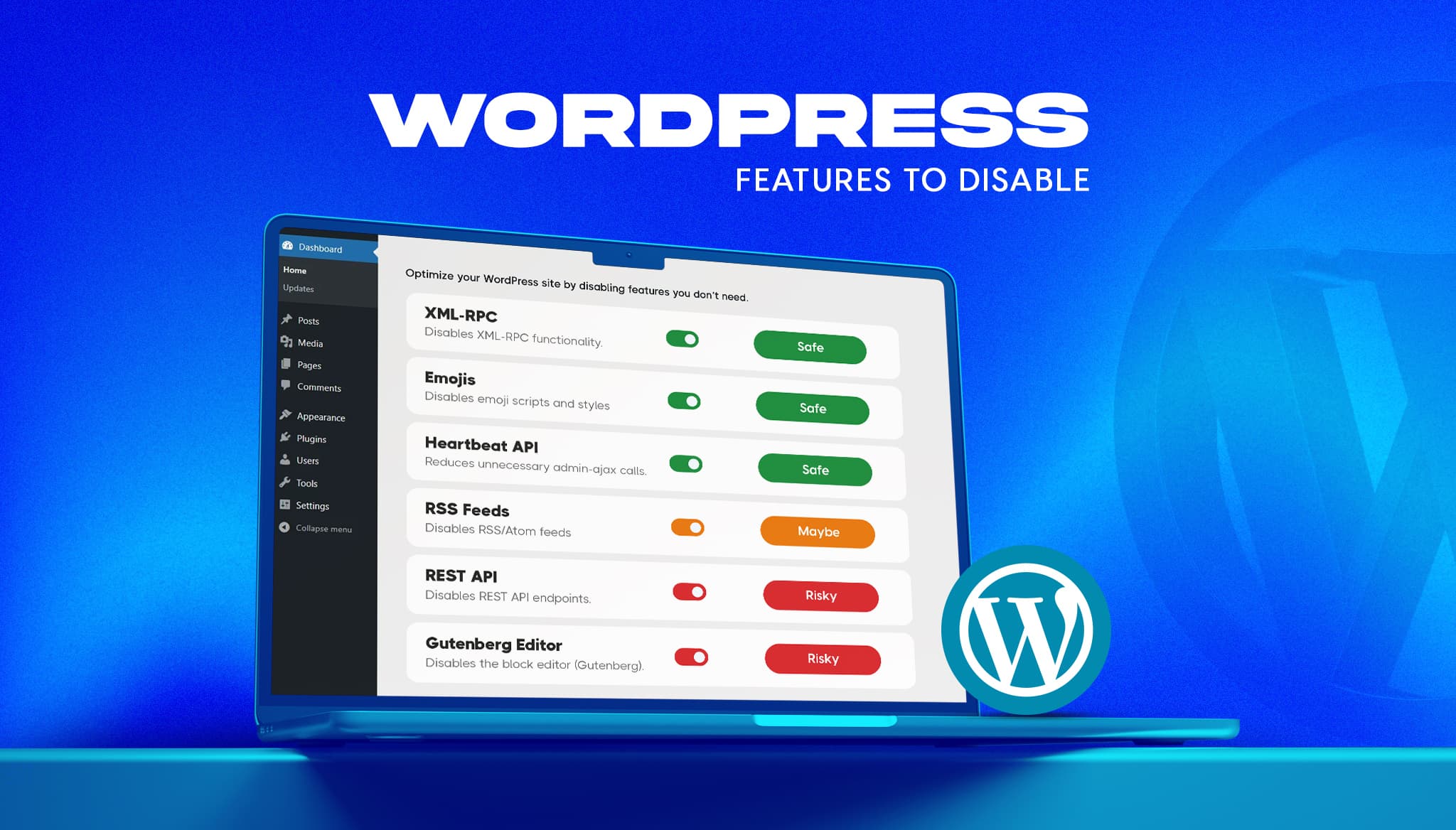
Read moreA fresh WordPress install ships with features most business sites never use. Some add background requests, one opens a well-known login attack path, and a few load code on every page for a nice-to-have. The usual advice online is to switch them all off. That advice breaks sites. This guide gives a verdict on the […]
Read moreKeeping an app fresh and running smoothly means updates are part of the regular routine.
Read more