+44 753 718 3990
  hello@devmontdigital.io
To new businesses, give you the expertise, approaches, and techniques you should know to be a super hero.

When a React app feels fast at launch but slows down the longer someone uses it, a memory leak is usually the cause. Memory leaks happen when parts of your app that should be cleaned up stay in memory instead, piling up until the browser tab lags, freezes, or crashes. The good news: in React they come from a short list of predictable causes, and each one is straightforward to detect and fix. This guide shows you how to find them and how to stop them coming back.
Debugging always starts with paying attention to how an app behaves during regular use. Memory leaks often creep in slowly, so they are easy to miss until they have already caused damage. Knowing what signs to look for is the first step.
Look out for these common symptoms:
The most reliable way to spot a leak is by using browser developer tools. Both Chrome and Firefox have built-in tools that let you monitor how your app uses memory. In Chrome:
If memory usage keeps increasing and old components still show up in your snapshots, there is a strong chance something is not being cleaned up properly. Developer tools make it easier to spot trends by giving you hard data to work with rather than just guessing where the problem might be.
Not every performance issue is a memory leak, but when the same problems repeat, they usually trace back to how components are structured. In React, leaks often happen when parts of a component are still active even after that component is removed. This includes timers, event listeners, and any DOM references that were not cleaned up.
When a component sets up something like a timer, fetch request, or a subscriber, it should tear those down when it unmounts. If useEffect does not include a cleanup function, that logic could still run in the background.
Having unused useState or useEffect hooks might not seem like a big deal. But if these manage resources like sockets or intervals without proper cleanup, they create leftover processes that stay active.
If you set a scroll or resize event listener and do not remove it when the component unmounts, it sticks around. These lingering listeners continue to run and may reference props or elements that no longer exist.
Holding on to elements through refs can also lead to problems. A ref may keep a large node or a complex object in memory longer than needed if not cleared when its component unmounts.
Imagine a chat component that starts a new setInterval each time a user opens a chat to check for new messages. If these timers are not cleared when the chat closes or the user leaves the page, the app keeps polling in the background, wasting system resources.
Avoiding these common mistakes keeps your app’s performance solid even as your codebase grows. It also improves reliability over time, especially when working on larger features or updating existing ones.
Most leaks trace back to a single mistake: starting something in a component and never stopping it when the component unmounts. Timers, event listeners, and subscriptions all need a matching cleanup. The fix is the cleanup function returned from useEffect:
useEffect(() => {
  const id = setInterval(fetchUpdates, 5000);
  window.addEventListener("resize", handleResize);

  // Cleanup runs when the component unmounts
  return () => {
    clearInterval(id);
    window.removeEventListener("resize", handleResize);
  };
}, []);
A quick way to catch a missing cleanup during development: React’s StrictMode deliberately mounts, unmounts, and remounts each component once. If an interval fires twice or a listener stacks up, you have found a leak before it ever reaches production.
Fixing a memory leak means tracking down where it is hiding. React helps by offering tools like the React Developer Tools extension. The React Profiler tab inside this tool shows how components render and whether behaviour lines up with what you expect.
Here are the main steps to follow when debugging:
Test changes by running the app through real user flows again and checking how memory behaves afterwards. Make sure the heap memory goes back down after repeated actions rather than continuing to grow.
A general rule is that anything started when a component mounts should be cleaned when that component unmounts. Whether that is a fetch request, a timer, or an event listener, if it does not stop when no longer needed, it can lead to a leak.
React Strict Mode can be useful during development. It highlights unexpected side effects that may run more than once, which can reveal problems early. While it is not a complete solution on its own, combining it with memory tracking and performance profiling makes your application more stable.
Preventing leaks is more efficient than fixing them later. Writing clear and well-organised code helps avoid common memory issues and makes apps easier to maintain.
Here are some habits that help:
For example, consider a photo gallery component that uses a ref to manage a displayed image. If that ref is never reset and the component is removed, the image can stay in memory. It may seem small, but repeated across multiple features, these missed steps add up.
React’s shift toward functional components makes cleanup easier to manage. Writing code that is simple and focused on specific tasks helps avoid confusing logic. Think about the full lifecycle of your components, from start to finish. Every stage matters.
The same discipline applies on the server: see how to build a Laravel app that scales without leaking memory between requests.
Memory leaks may not stop your app instantly, but their effects build up over time. They slow down interaction, make pages feel sluggish, and can eventually cause crashes. Fixing one leak often brings improvements in other areas of your app too.
Stay alert to warning signs such as growing memory usage or unexpected behaviours. React’s tools can guide you, but the foundation is clean coding practices. Keep useEffect hooks tidy, clean up resources, and regularly test your app in realistic conditions.
By paying attention to the way each component behaves and interacts with others, you can spot problems early. Regular reviews and careful thinking about how memory is used behind the scenes will go a long way.
Large-scale projects especially benefit from these practices. By catching problems early and keeping components lightweight, you avoid bigger issues later down the road. It saves time, reduces stress during updates, and ensures smooth performance for everyone using your app.
Keep your applications running at their best by tackling memory leaks head-on. Whether it’s managing component lifecycles or cleaning up effects properly, a little proactive care goes a long way. For those looking to make their React projects even more efficient, consider partnering with a react js development company like Devmont Digital. Skilled experts can navigate the intricacies of React and keep your digital solutions sharp and responsive. Dive deeper into smart development techniques and optimise your apps for a seamless user experience with the right guidance.

Content Manager at Devmont Digital
You publish on Medium, but your own website shows none of it. A visitor who lands on your homepage has no idea you write at all, and the stories you spent hours on sit on someone else’s domain. Linking to them by hand works for a week. Then you publish again and the page is out of date.
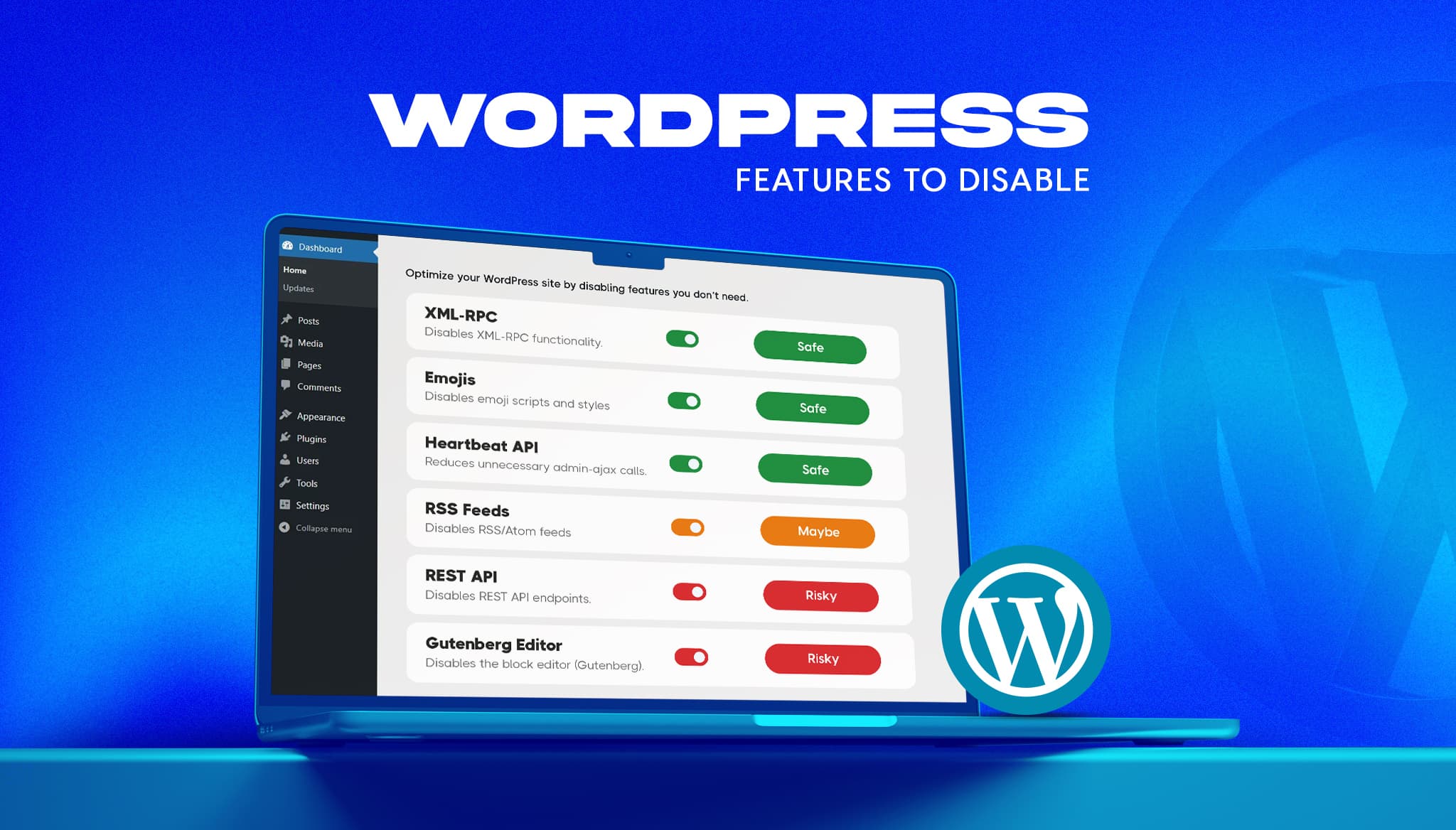
Read moreA fresh WordPress install ships with features most business sites never use. Some add background requests, one opens a well-known login attack path, and a few load code on every page for a nice-to-have. The usual advice online is to switch them all off. That advice breaks sites. This guide gives a verdict on the […]
Read moreIf you’re comparing Laravel and WordPress, you’ve probably already been given a useless answer: “it depends.” It does depend, but on things specific enough to actually decide with. The two aren’t really competitors. WordPress is a content management system, and Laravel is a framework for building applications. Asking which is “better” is like asking whether […]
Read more