+44 753 718 3990
  hello@devmontdigital.io
To new businesses, give you the expertise, approaches, and techniques you should know to be a super hero.

Designing for mobile isn’t just about shrinking everything down to fit a smaller screen. It’s about making sure users can move through an app or website with ease, no matter where they are or what device they’re using. The expectations for mobile experiences keep getting higher, and even small design issues can turn people away quickly. This means that solving mobile interface challenges isn’t a bonus — it’s a must.
Common issues like confusing layouts, slow response times, or buttons being too close together crop up more often than you’d think. These problems may seem small, but they can turn your site or app into something frustrating rather than helpful. A good UI design agency knows how to catch these problems early and solve them with a mix of solid planning and smart design choices.
When people open an app on their phone, they expect it to work without a second thought. Taps should lead somewhere, buttons should be easy to find, and it shouldn’t feel like a puzzle just to get what they need. Users have a mental image of how apps should behave, and anytime your design strays too far from that, it can cause confusion or even drive people away.
Some of the most common expectations people bring into a mobile experience include:
If your mobile design clashes with these expectations, users might give up before they ever finish a task. For example, if someone’s trying to book a train ticket in your app and the form loads slowly, or the next button is hidden in a scroll, frustration starts to build. The smoother the experience, the more likely they are to stick around and come back.
A good design takes account of what users want from the first sketch. It doesn’t mean copying what others are doing but working within the framework users are already comfortable with. Keep it clean, responsive, and easy to navigate, and you’re already on the right path.
If people can’t figure out how to move through your mobile app or site quickly, they’ll likely leave without doing what they came for. Navigation builds the roadmap for your users. When it’s done right, tasks feel simple. When it’s messy or unclear, users wind up lost, annoyed, or stuck clicking random buttons.
Common mobile navigation challenges include:
Here’s how you can clean things up and make your mobile interface easier to use:
Great navigation works behind the scenes. Users won’t notice it if everything’s working smoothly, which is the goal. The fewer decisions users have to make to get where they’re going, the better their experience will be. Think of it like a well-designed train station. Clear signs, obvious routes, and no guesswork make all the difference.
Visual clutter makes users pause. When a mobile interface is packed with too many styles, colours, or uneven elements, it becomes hard to follow. People rely on subtle visual cues to understand function. A button should look tappable, text should be easy to scan, and icons should signal a clear meaning. When this balance is off, users waste time trying to figure out what’s going on.
One of the biggest mistakes in mobile design is inconsistency. This might show up as multiple button styles across different screens or inconsistent spacing between elements. These details might seem small, but they affect trust. When an app or site looks polished and predictable, it feels more reliable.
Here are a few ways to keep things clear and consistent:
Think about something as simple as a flight booking screen. If the Book Now button changes colour or shifts size across pages, users might wonder if it’s the same action. Keeping things uniform cuts down on hesitation and makes the interface easier to trust.
Not every user has the same screen. Some will be on a high-end smartphone, others on an older Android device, or maybe even a compact tablet. Your mobile interface has to behave well on all of them. The layout should stretch or shrink gracefully, without bits falling off the edge or getting jumbled together.
This is where responsive design comes in. It’s about building layouts that react to the screen size they’re being shown on. But that doesn’t mean scaling the same layout up or down. It means adjusting proportions, reflowing content, and possibly even hiding or condensing certain parts to keep things user-friendly.
To handle this smoothly:
The goal is for every screen size to feel natural. No awkward zooming. No cut-off content. Just a layout that adjusts itself so users can get stuff done without bumps.
You’ve got the structure. Now it needs life. A mobile interface that feels dry or flat probably won’t hold attention. But going too far with flashy effects or pop-up elements can annoy users even
faster. Engagement needs balance.
Users appreciate small touches and tidy surprises, like a satisfying button animation or a subtle sound cue when a task is completed. These details create a smooth and enjoyable feel. But overdoing interaction can distract from what matters most, getting things done quickly and clearly.
Some helpful ways to build engagement without getting in the user’s way:
Picture an app that helps you track habits. Instead of just marking a task as done with a tick, it gives a smooth animation and a short line of friendly feedback. It takes half a second, but it improves how the user feels. That’s thoughtful design at work, steady, not overwhelming.
A mobile interface should help visitors complete their goals without unnecessary detours. A user flow maps the steps between arriving on a page and finishing a task, such as booking an appointment, making a purchase, or submitting an enquiry. Even a visually polished screen can fail when the next action is difficult to find.
Practical ways to improve mobile user journeys:
For example, a booking button should take users towards available appointment times, rather than sending them to an unrelated general enquiry form. This keeps the path predictable and reduces unnecessary decisions.
Responsive and adaptive design both help interfaces work across screen sizes, but they use different approaches. Responsive design relies on flexible layouts that reflow with available space. Adaptive design prepares distinct layout arrangements for selected screen-width ranges. The right choice depends on the complexity of the interface and the needs of its users.
Consider these factors when planning device-specific layouts:
A desktop dashboard may show navigation, reports, and supporting tools at once, while a mobile layout places the most important actions first and moves secondary tools into accessible menus. The objective is not to hide useful features but to present them in a manageable order.
Mobile-friendly design needs ongoing testing, not just a one-time visual review. Begin with the journeys that matter most to users, then observe where they hesitate, abandon forms, or miss important actions. Combine qualitative feedback with behavioural data before deciding what to change.
A practical mobile usability checklist:
Small adjustments can make a meaningful difference: renaming an unclear button, shortening a form, or moving a key action into a more visible position may remove an obstacle without requiring a complete redesign.
Where enough meaningful traffic is available, a controlled A/B test can help evaluate a specific improvement. Identify the problem, make one focused change, compare task completion, errors or loading performance, and continue refining based on the results.
A mobile-friendly interface must feel responsive as well as look responsive. Even a clear layout can become frustrating when pages take too long to load or controls react slowly. The original nine-strategy guide highlights load time as a practical part of mobile usability.
Ways to improve the mobile experience include:
Performance improvements should support the user journey: prioritise the content and actions visitors need first, rather than loading every optional feature immediately.
On smaller screens, presenting every navigation choice at once can overwhelm visitors. Group related links into concise menus or submenus, but avoid hiding essential actions several levels deep. Clear labels help people predict where a link will take them.
Forms need the same attention. Keep text fields, checkboxes and radio buttons visible and easy to select. Use suitable input types and autocomplete when appropriate, minimise unnecessary fields, and make validation messages specific enough to help users recover from mistakes.
Before publishing a mobile form or navigation update, check:
Pop-ups can interrupt reading or cover essential controls on a small screen. If a modal is necessary, make it easy to dismiss, keep its content usable without horizontal scrolling, and avoid showing it before visitors can access the information they came for.
Push notifications and in-app messages can be useful for relevant updates, but they should be timely and based on user choice. Ask permission at an appropriate moment, explain the benefit, and avoid repeated prompts. A helpful reminder should support the experience rather than become another distraction.
Designing mobile interfaces isn’t just about making things look tidy. It’s about meeting users where they are and giving them tools that work the first time, every time. Comfort, ease, and confidence should be part of every tap, swipe, and scroll.
Getting this right means digging into the details. From user needs and expectations to screen sizes and feedback loops, each part plays a role. When these pieces all line up, the interface disappears and the experience takes over. That’s when design really works, when it just feels right.
To create a seamless mobile user experience, tapping into expertise is key. If you’re looking for guidance on refining your digital presence, explore how our ui design agency can help. Devmont Digital offers tailored strategies and solutions to ensure your app or website is not only functional but also engaging and intuitive for users. Let’s work together to make every interaction count.

Content Manager at Devmont Digital
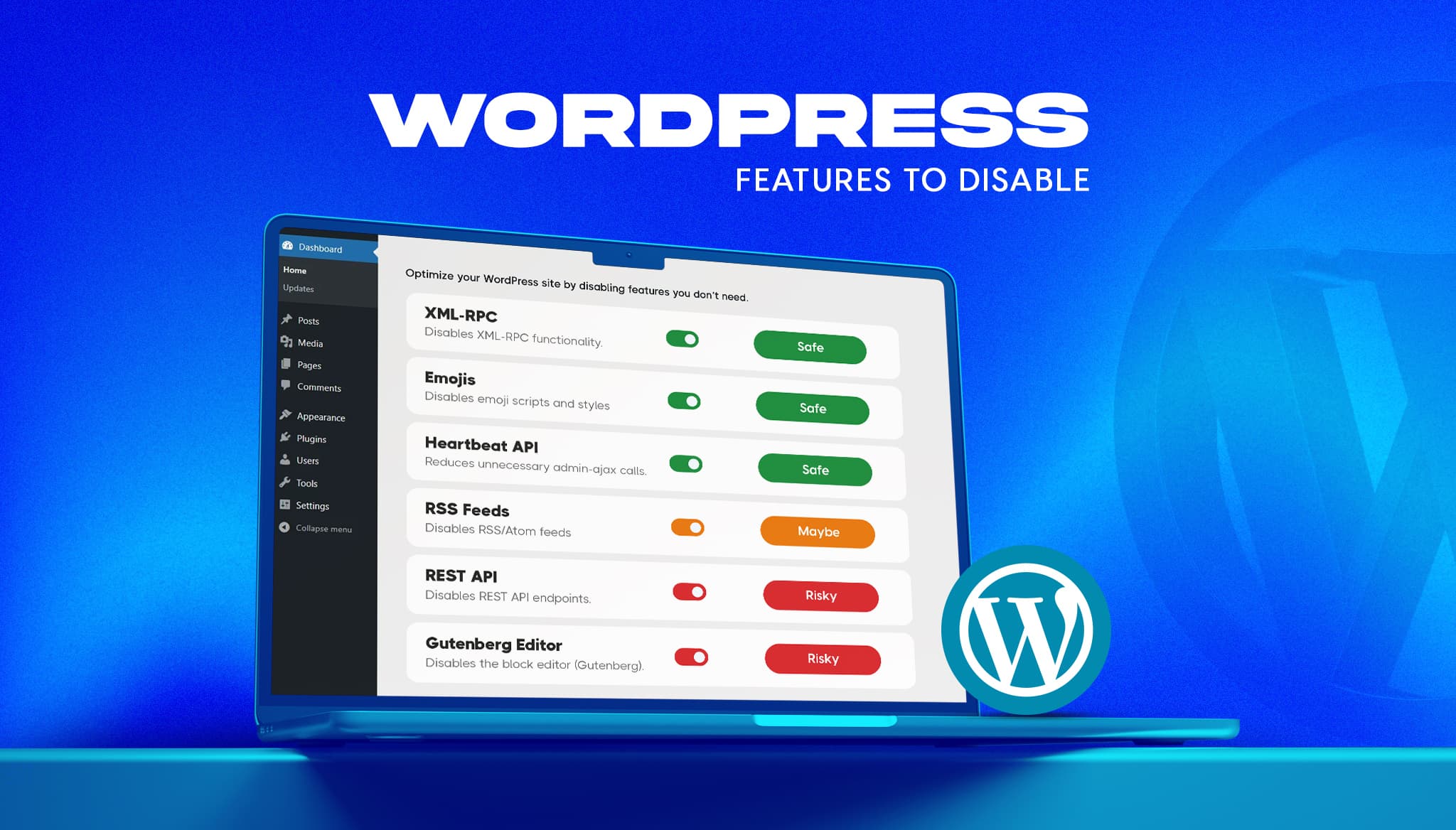
A fresh WordPress install ships with features most business sites never use. Some add background requests, one opens a well-known login attack path, and a few load code on every page for a nice-to-have. The usual advice online is to switch them all off. That advice breaks sites. This guide gives a verdict on the […]
Read moreIf you’re comparing Laravel and WordPress, you’ve probably already been given a useless answer: “it depends.” It does depend, but on things specific enough to actually decide with. The two aren’t really competitors. WordPress is a content management system, and Laravel is a framework for building applications. Asking which is “better” is like asking whether […]
Read moreKeeping an app fresh and running smoothly means updates are part of the regular routine.
Read more