+44 753 718 3990
  hello@devmontdigital.io
To new businesses, give you the expertise, approaches, and techniques you should know to be a super hero.

Every few months, a founder asks us some version of the same question: “We love how fast Laravel lets us ship, but will it hold up when we actually get traffic?” It’s a fair worry. Laravel earned its reputation as the framework that gets a product to market quickly, and “fast to build” is sometimes mistaken for “won’t last.”
Here’s the short version, before the detail: scalable Laravel applications are entirely normal, and the framework is almost never the thing that breaks first. What breaks is the application built on top of it: the unindexed query, the email sent in the middle of a checkout, the report generated while a customer waits. Those are architecture problems, and they’re fixable. If you’re weighing Laravel for a serious build and want a team that has done this before, that’s the core of our custom LAMP and Laravel development work. This piece explains what actually determines whether a Laravel app scales.
Yes, and the current release makes the point on its own. Laravel 13, released in March 2026, runs on PHP 8.3 and ships with a mature ecosystem built specifically for load: a queue system, a first-party horizontal-scaling story, and an in-memory application server. This is not a prototyping toy that you outgrow.
The more useful way to think about it: frameworks rarely fail at scale; specific decisions inside an application do. A Laravel app serving a few hundred requests a second on modest hardware is unremarkable. One that falls over at a fraction of that almost always has a concrete, findable cause. So the real question isn’t “does Laravel scale,” it’s “is the application built in a way that lets it.”
When a Laravel app slows down under load, the cause is predictable, and it’s usually one of four things:
Notice the pattern: none of those is “Laravel is slow.” They’re application decisions. The N+1 problem is worth seeing concretely, because it’s so common:
One line of difference. At scale, it’s the gap between a page that loads and a page that times out.
Scaling a Laravel application is mostly about pulling four levers in the right order. Reaching for expensive infrastructure before you’ve pulled the cheap ones is how teams overspend and still stay slow.
The fastest query is the one you never run. Laravel’s cache layer, backed by Redis, lets you store the results of expensive operations — a computed navigation tree, a product catalog, an API response — and serve them from memory. For read-heavy applications, aggressive caching is frequently the single biggest win, and it costs a few lines of code, not a bigger server.
Anything the user doesn’t need to see right now should not happen while they wait. Welcome emails, PDF generation, image processing, webhook deliveries — move them onto a queue and let background workers handle them. Laravel Horizon gives you a dashboard to monitor those workers and scale them independently of your web traffic. This one change often takes a checkout from “sluggish” to “instant,” because the customer stops paying the cost of work that was never theirs to wait for.
Before you spend a cent on more infrastructure, make sure the database is doing its job. That means adding indexes to the columns you filter and sort on, eliminating N+1 queries with eager loading, and, as you grow, introducing read replicas so that heavy read traffic doesn’t compete with writes. Laravel supports separate read and write database connections natively, so directing reads to replicas is a configuration change, not a rewrite. A well-indexed database on modest hardware will outperform a badly-indexed one on an expensive box every time.
Standard PHP boots the entire framework on every request. Laravel Octane changes that model: it boots your application once, holds it in memory, and feeds requests to already-warm workers using a high-performance server like FrankenPHP, Swoole, or RoadRunner. Independent 2026 benchmarks measured roughly 2.5 to 2.8 times the throughput of traditional PHP-FPM, with time-to-first-byte on cached responses dropping from around 25ms to 3ms.
But this is the lever to pull last, and understanding why matters. Octane’s gains come entirely from skipping the framework boot, so they’re largest for CPU-light, high-volume endpoints and much smaller for work dominated by slow I/O, like an app that spends 400ms waiting on an external API per request. Octane also keeps your application in memory between requests, which makes state and memory management a genuine concern: variables that leak between requests cause bugs that never appear in traditional PHP. the same class of problem that plagues long-running front-end applications and their memory leaks. Octane is powerful. It’s not a free switch to flip.
| Lever | What it fixes | When to reach for it |
|---|---|---|
| Redis caching | Repeated expensive computation | First. Almost always worth it for read-heavy apps. |
| Queues + Horizon | Slow work blocking the user | Early. Any task the user needn’t wait for. |
| Database tuning + read replicas | Slow queries, read/write contention | Before adding servers. Indexing is cheap; hardware isn’t. |
| Octane | Framework boot overhead at high volume | Last. When you’ve done the above and boot time is the ceiling. |
An honest scaling guide has to include the cases where the answer is “use something else.” Laravel is an excellent fit for the vast majority of web applications and APIs, but a few workloads genuinely belong elsewhere: massive real-time systems with hundreds of thousands of concurrent persistent connections, where a dedicated Node or Go service often handles the socket layer better, and heavy CPU-bound computation like large-scale data processing or machine-learning inference, which suits a different runtime entirely.
The mature pattern here isn’t “Laravel or not.” It’s Laravel for what it’s great at, decoupled from a specialized service for what it isn’t. Many of the most scalable builds we work on use Laravel as a robust API backend feeding a separate React or Vue front end, with a small dedicated service handling the one workload PHP is poorly suited to. Right tool, right job.
The most expensive mistake we see isn’t picking the wrong framework. It’s trying to build for imaginary scale on day one, spending months on infrastructure for traffic that hasn’t arrived. Scalable architecture doesn’t mean over-engineering up front. It means building cleanly enough that each lever above is available to pull when you need it, and not before.
That’s also true when a business outgrows a platform it started on. Plenty of our Laravel work begins as a company hits the ceiling of an off-the-shelf CMS and needs to move to something custom without wrecking what’s already working. That’s a careful migration, done in stages, without losing search rankings in the process. Growth is a series of deliberate steps, not a single leap.
If you’re commissioning a Laravel build rather than writing it yourself, the architecture decisions above are being made on your behalf, so the thing to evaluate is whether the team makes them well, and whether you’ll be able to live with the result after handover. A few things worth asking about directly:
Those questions matter more than any single technical choice, because they decide whether the thing still scales a year after launch, organizationally and not just technically.
Building something that needs to hold up under real load? Our Laravel and LAMP development team builds applications designed to scale deliberately, and to hand over cleanly when they do. Tell us what you’re planning and we’ll tell you honestly what it’ll take.
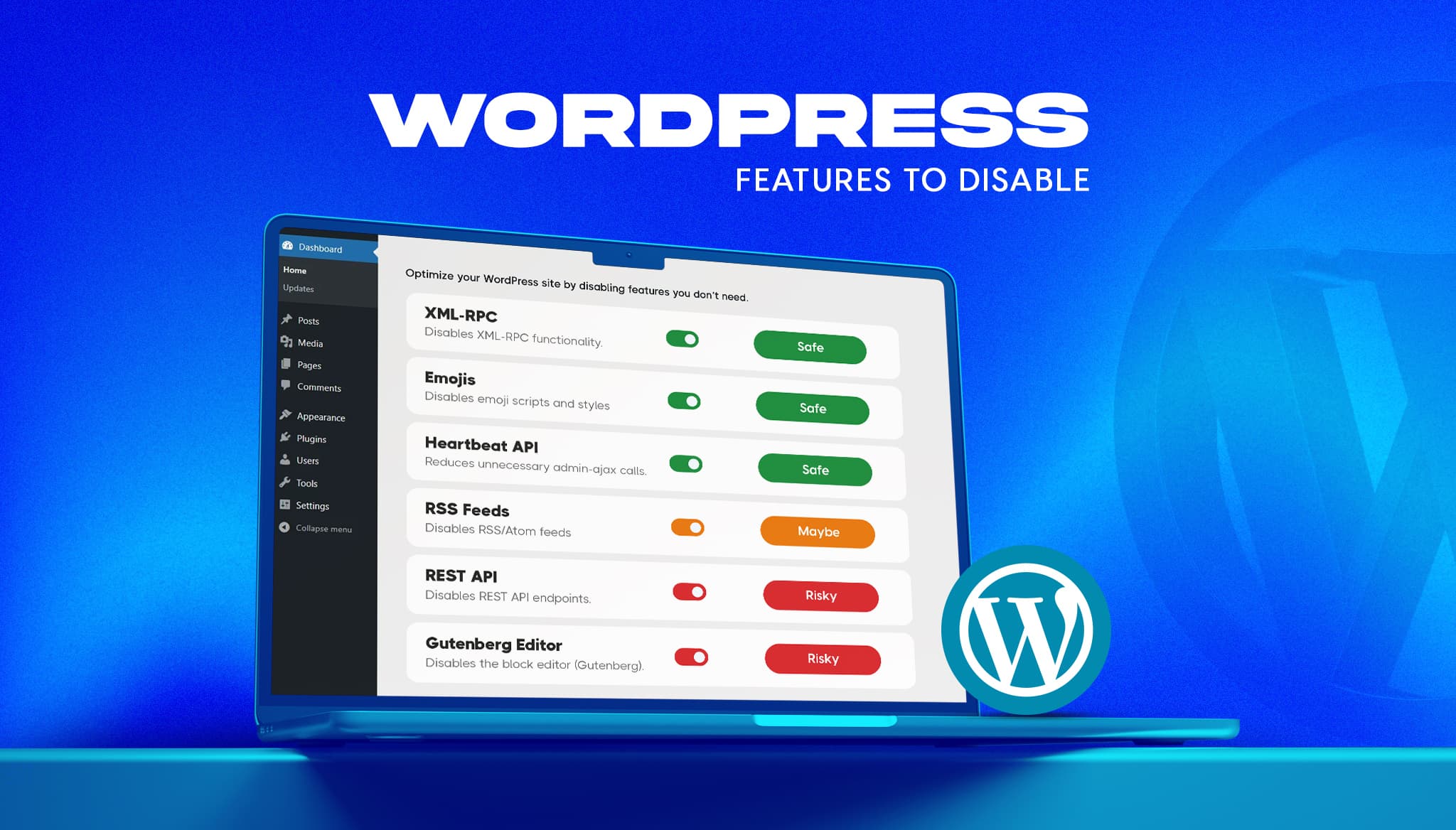
A fresh WordPress install ships with features most business sites never use. Some add background requests, one opens a well-known login attack path, and a few load code on every page for a nice-to-have. The usual advice online is to switch them all off. That advice breaks sites. This guide gives a verdict on the […]
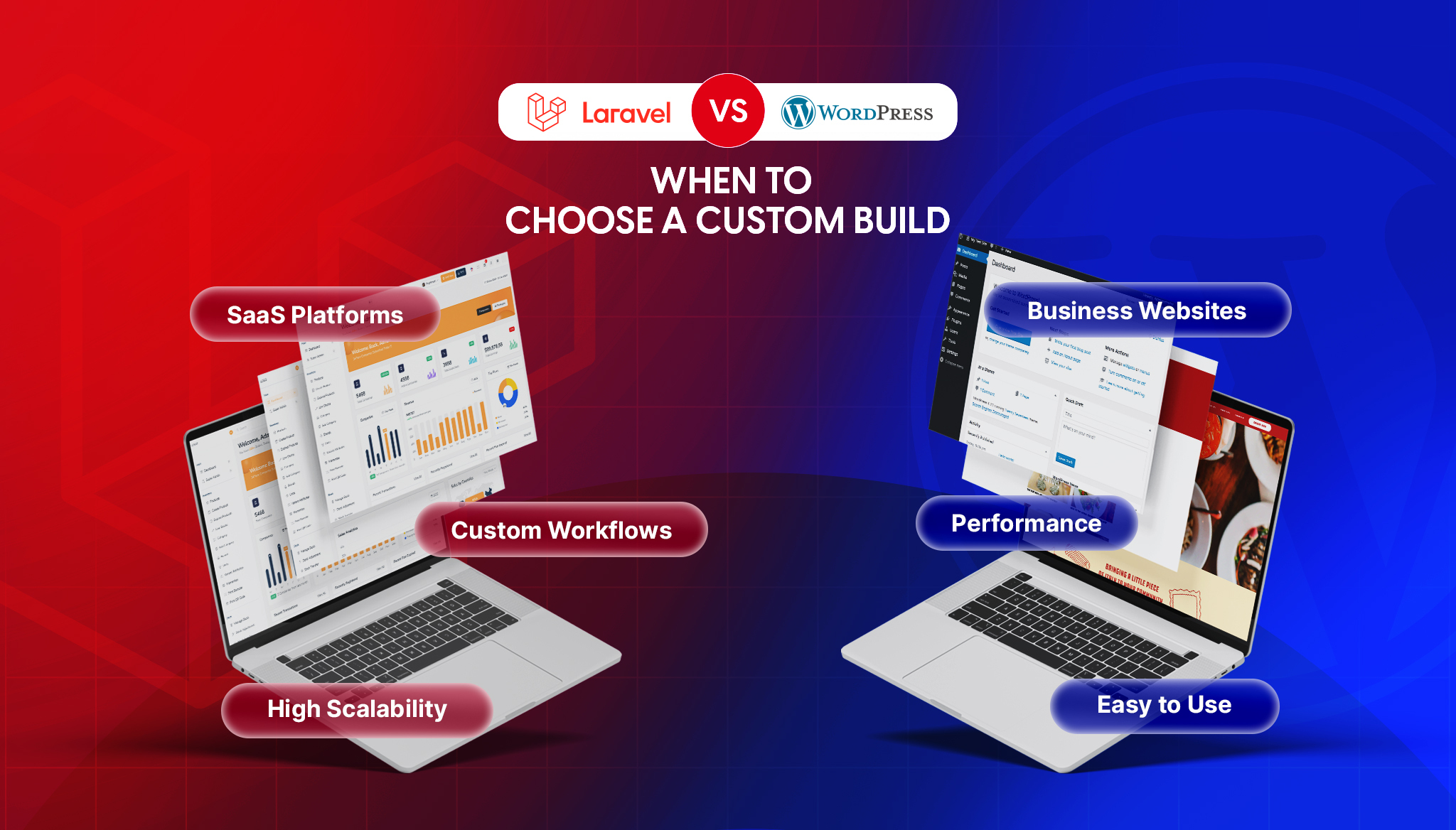
Read moreIf you’re comparing Laravel and WordPress, you’ve probably already been given a useless answer: “it depends.” It does depend, but on things specific enough to actually decide with. The two aren’t really competitors. WordPress is a content management system, and Laravel is a framework for building applications. Asking which is “better” is like asking whether […]
Read moreKeeping an app fresh and running smoothly means updates are part of the regular routine.
Read more